
Brand profiles
A brand profile is a reusable identity that shapes everything the AI writes: its tone of voice, your standard keywords, categories, and the creator/copyright/contact details baked into every image. Set it up once and every generation comes out on-brand.
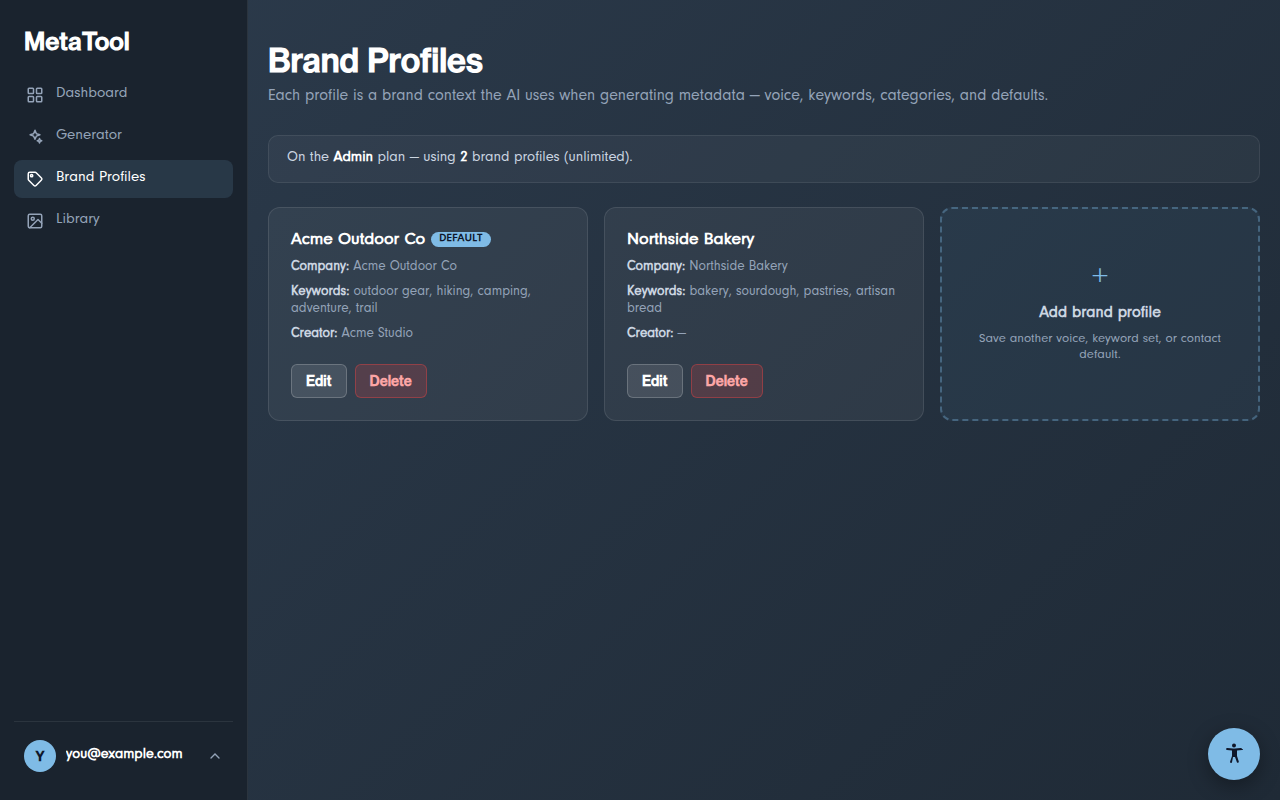
Creating a profile
Open Brand Profiles and click Add brand profile. The fields:
- Name / Company — how the profile appears in the Generator's selector
- Brand voice — describe how your brand talks ("Adventurous, warm, encouraging — we speak to weekend explorers"). This is the single most influential field for AI output
- Keywords — comma-separated terms the AI weaves in where relevant
- Category / Supplemental categories — default XMP categories
- Creator, Copyright holder — stamped into the EXIF/IPTC/XMP by-line and rights fields
- Contact website / phone — embedded as IPTC contact info
- Set as default — the profile the Generator pre-selects
Using profiles in the Generator
The Generator's top bar has a profile selector. Your default profile is pre-selected; switch per-image, or choose "No profile — neutral voice" for accurate, brand-free metadata (useful for client work or one-offs).
How many profiles can I have?
| Plan | Brand profiles |
|---|---|
| Free | — |
| Starter | 3 |
| Pro | Unlimited |
💡 Agencies: create one profile per client. Switching the
selector switches the entire voice, keywords, and rights block in one click.