Getting started
MetaTool writes publish-ready EXIF, IPTC, and XMP metadata into your images — the invisible fields search engines, stock platforms, and content systems read to understand what a picture is, who made it, and who owns it. You can let the AI write the metadata for you (in your brand voice), or fill the fields in yourself.
1. Create your account
Sign up at metadataimage.com/signup with your email and a password. If a confirmation email arrives, click the link inside, then log in.
2. Know your way around
After logging in you land on the Dashboard — your hub with usage, profile, and library summaries. Everything lives in the left sidebar:
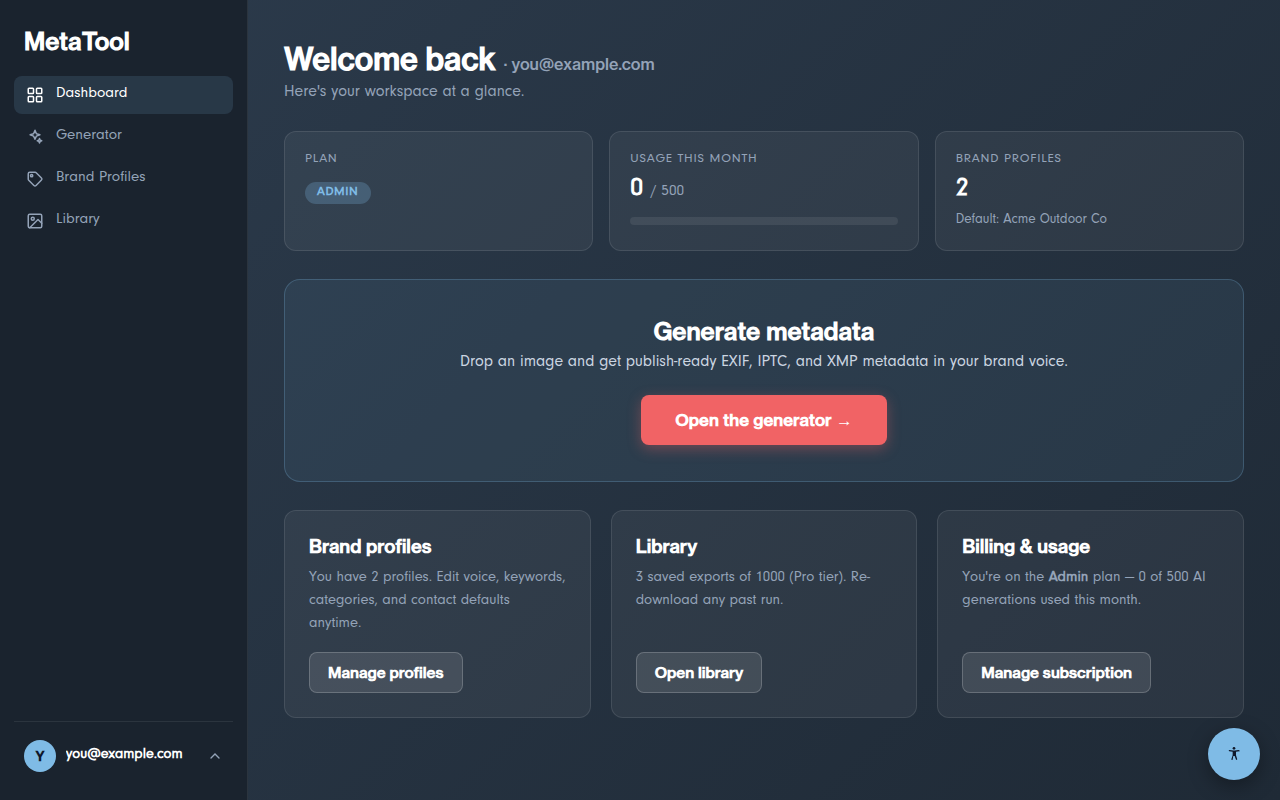
- Generator — upload an image and produce metadata (the core workflow)
- Brand Profiles — reusable brand identities that shape the AI's writing
- Library — every export you save, ready to re-download or edit
- Your avatar (bottom) — Account settings, Billing, Legal, Log out
3. Your first image
- Open Generator and drop an image in (JPG, PNG, GIF, or WEBP — up to ~4.4 MB)
- Click ✨ Generate with AI (paid plans) or fill in the fields manually
- Review and edit the fields, pick a download format, then Save & Download
Your processed image downloads immediately with the metadata embedded, and a copy is saved to your Library.
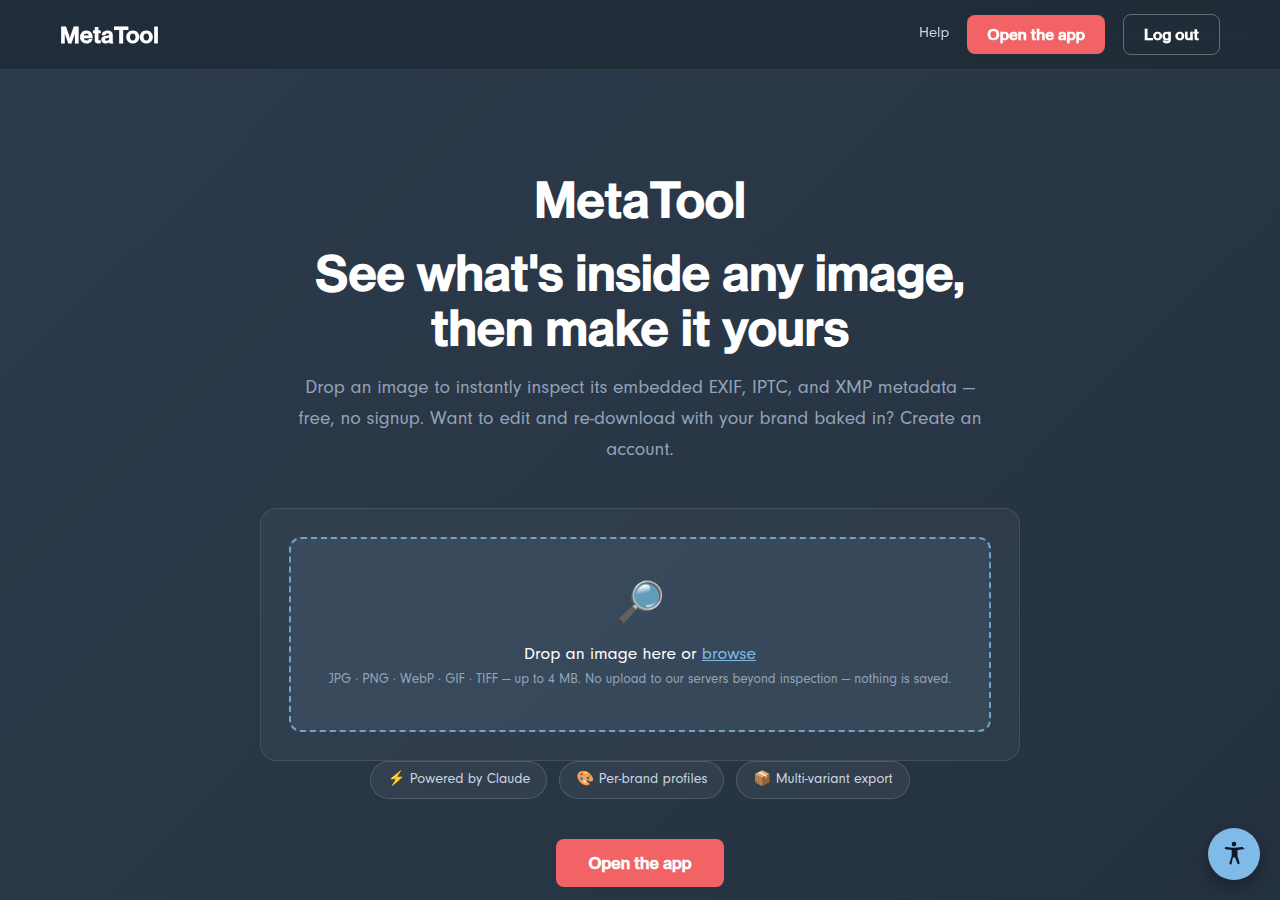
Try before you sign up
The public homepage also has a free metadata inspector — drop any image on it to see the metadata already embedded inside, no account needed: